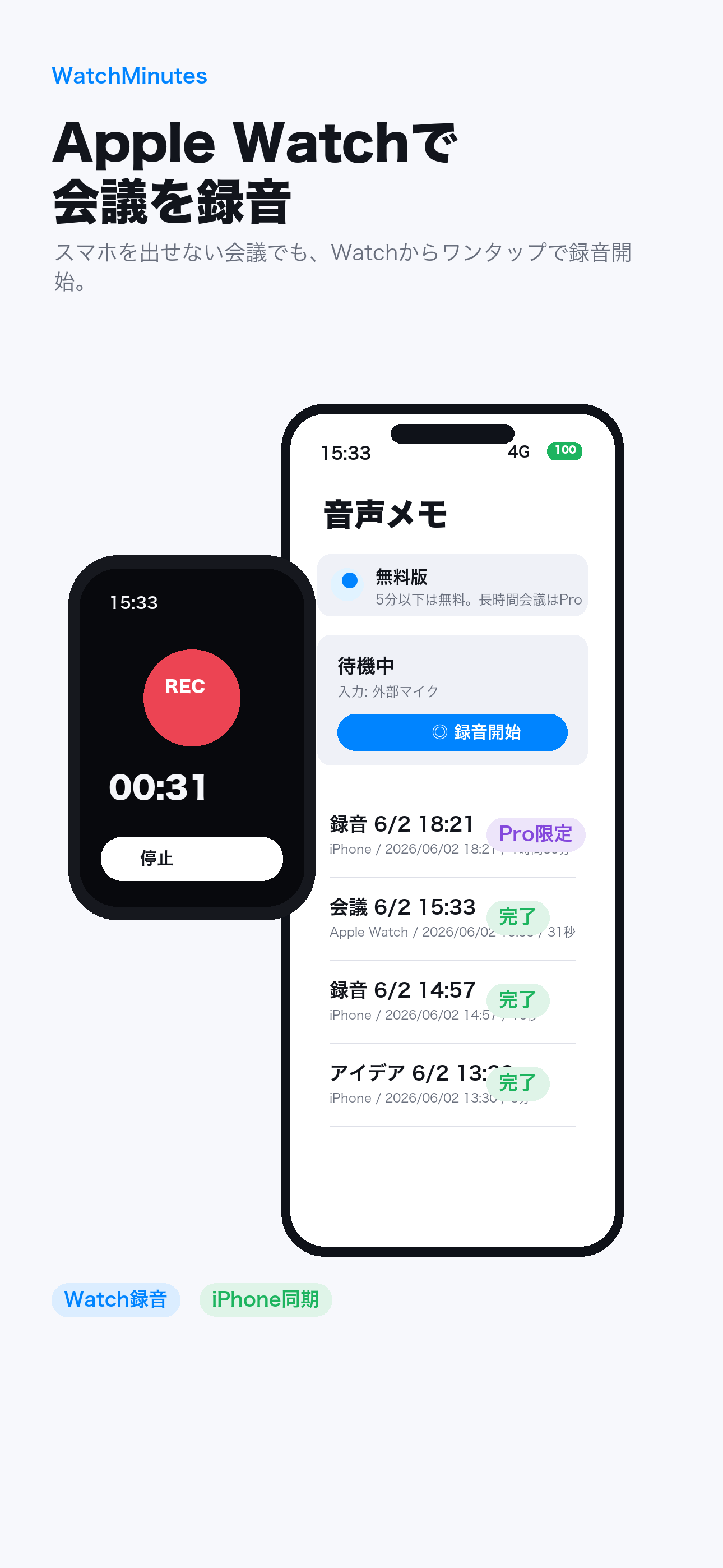
Watch-to-iPhone recording
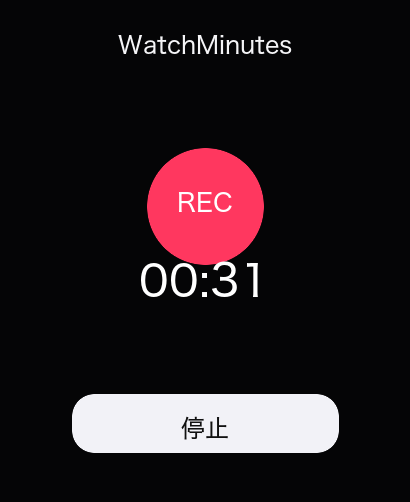
Start and stop the iPhone microphone from Apple Watch. You can also record with the Watch microphone.
 WatchMinutes
Life Log update now available on the App Store
From a moment on your wrist to a meaningful life log.
Record from Apple Watch, transcribe on iPhone, and reflect on your days, weeks, and months through activity, mood, and ideas.
Life Log — Version 1.2
Memo recordings from Apple Watch become more than an audio list. Organize them by day, week, or month, create a structured reflection prompt for ChatGPT, and save the result back in WatchMinutes on your device.
Version 1.2 is available on the App Store. Try it for free.
BALANCE BOARD
Tap a marker to open that day’s reflection
Built for the first second
Leave the iPhone on the table, in your pocket, or connected to an external microphone. Start from your wrist, stop from your wrist, and review on the larger screen later.
Core features
Start and stop the iPhone microphone from Apple Watch. You can also record with the Watch microphone.
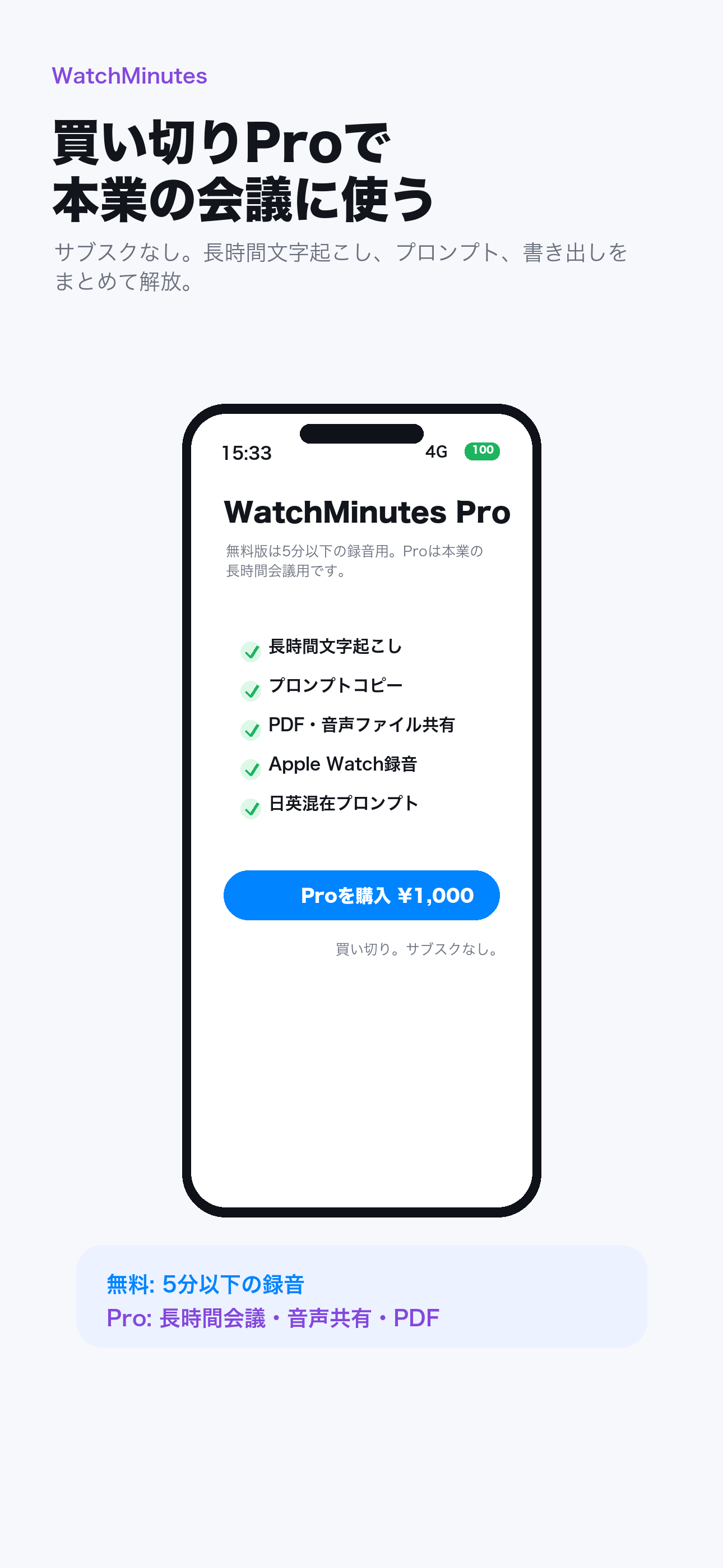
Transcribe after recording on iPhone, with Japanese, English, and mixed-language options.
Copy a prompt tailored to a meeting, journal, idea, or life log and use it in the AI tool you choose.
Export PDF or audio files, and select multiple recordings for faster cleanup.
Pricing
$0
One-time
Privacy
Recording and transcription stay within the WatchMinutes workflow. Prompts are copied only when you explicitly choose to copy them, so you decide whether and where to paste them.
Privacy policyTry it free
Transcribe recordings up to five minutes for free.